
















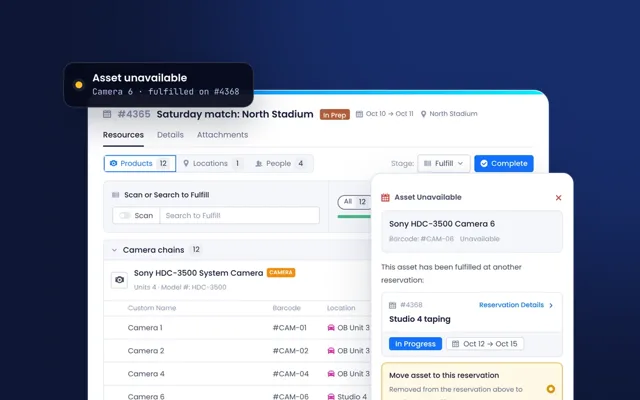

Product guides
Short how-to guides for everyday work in Beam.
 Setting Up Beam-R2 Data Conflict Rules
In this tutorial, we'll show you how to configure these data conflict rules.
 Selecting Your Preferred Units Of Measurements
In this tutorial, we'll show you how to configure your preferred units of measurement.
 Navigating the Product Page
In this tutorial, we will give you an overview of all the product page.
 Enriching Your R2 Product Data Using Beam
In this tutorial, we will show you how to import and enrich your products from R2 to Beam.
 Editing Asset Data Using Quick Actions
In this tutorial we'll show you how you can use Quick Actions.
 Editing Asset Data Using Mass Edit
In this tutorial we will show you how to access and use the Mass Edit feature.
 Customizing the Inventory Page
In this tutorial we will show you how you can set up your Inventory Page.
 Searching for Assets in the Inventory Page
In this tutorial, we will show you how to use Beam's Basic Search and Filters.
 Navigating the Inventory Page
In this tutorial, we will give you an overview of the inventory page and all its features.
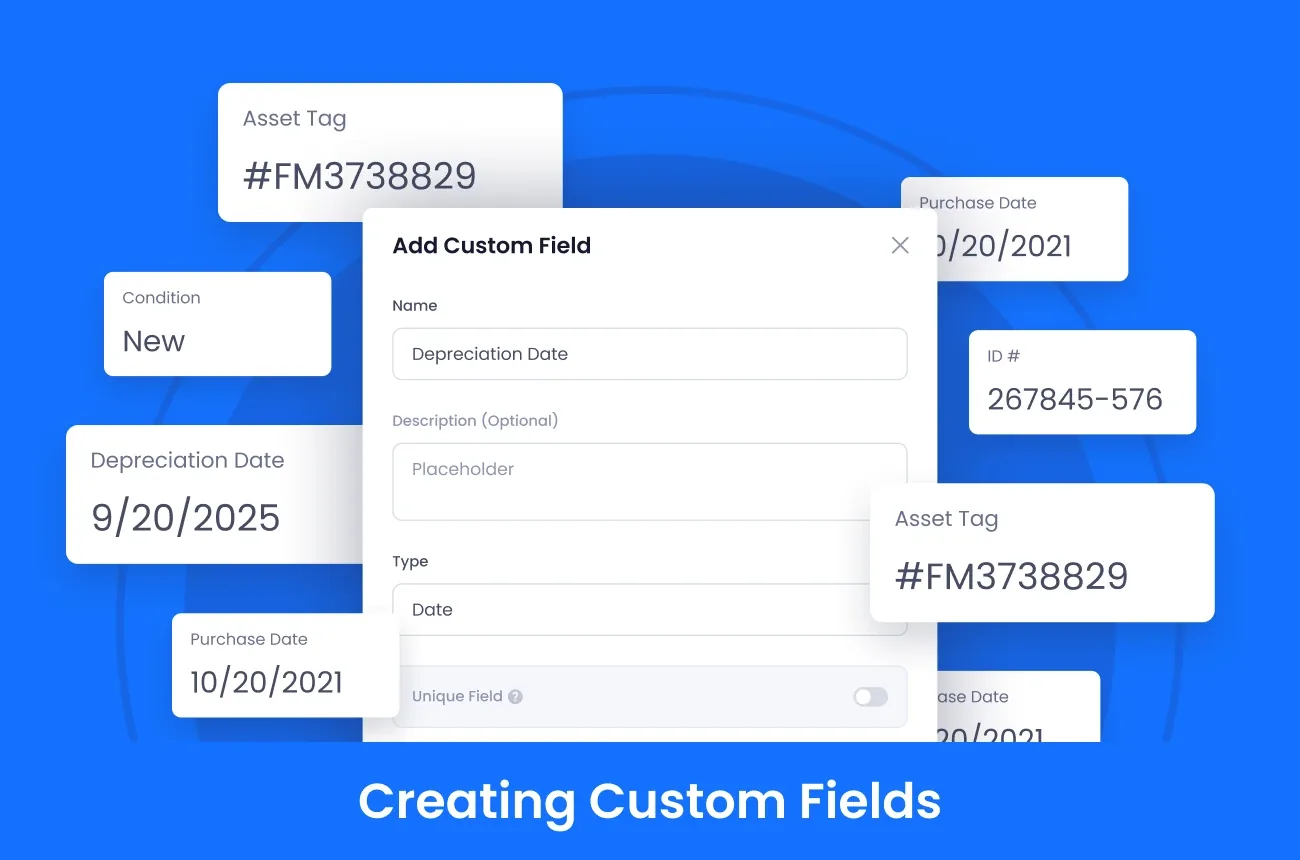 Creating Custom Fields
In this doc, we will teach you how to create and configure Custom Fields in Beam.
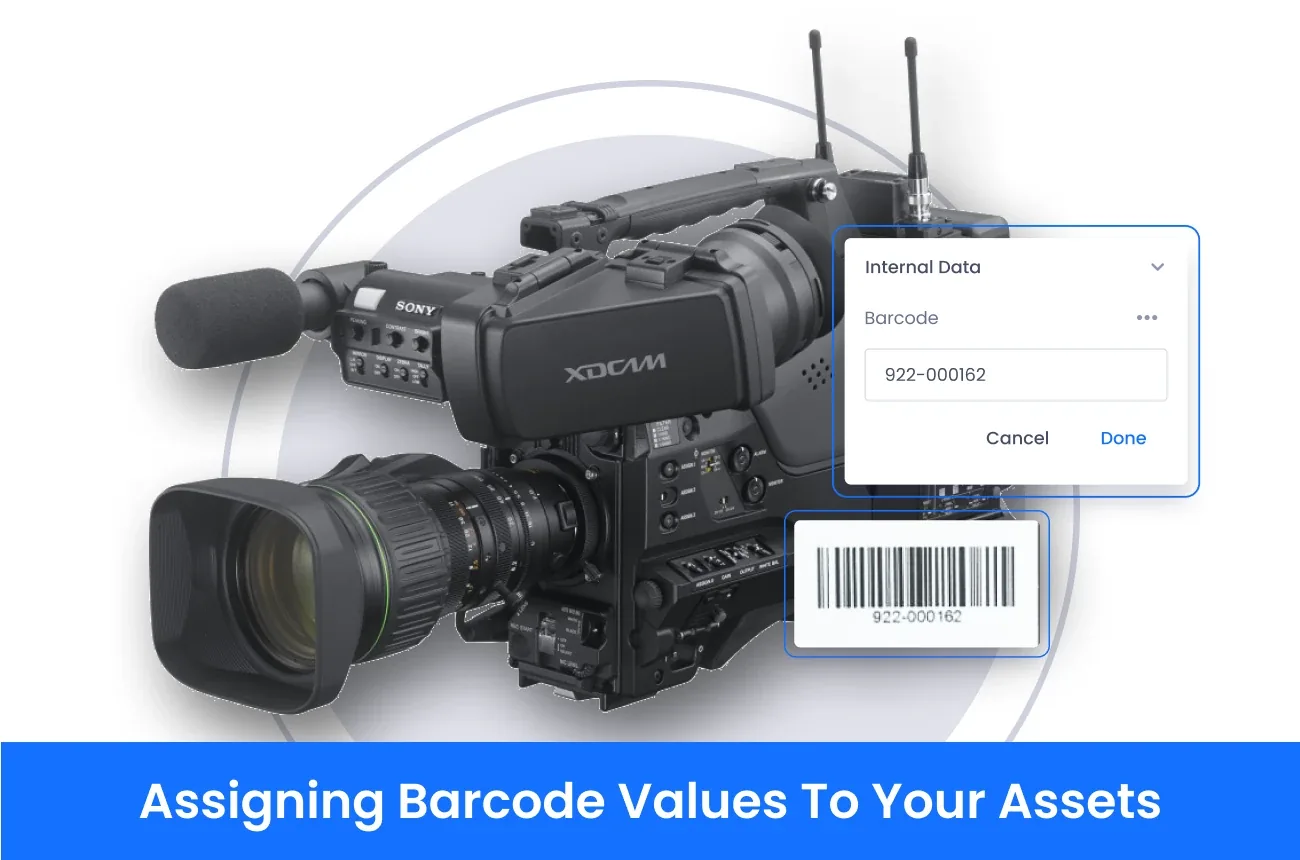 Assigning Barcode Values To Your Assets
Learn how to assign barcode values to your assets in your Beam inventory
 Accessing Asset Pages Using Beam Lens
In this tutorial, we will teach you how to use Beam Lens.
See your own equipment in Beam.
Send us an equipment list and we will load a sample of it into a live demo.