














Temporary Event Asset Management
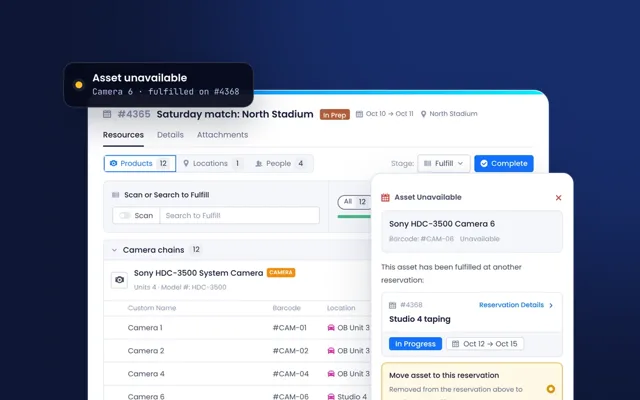
Short-term asset usage for conferences, trade shows, and sporting events can be chaotic, leading to misplaced equipment, scheduling conflicts, and logistical issues. Beam’s reservation system, location tracking, and check-in/check-out workflows ensure that event assets are accounted for, assigned efficiently, and returned on time. Whether managing event production gear, sports equipment, or media assets, teams can prevent losses, streamline logistics, and improve event execution.
Use case in practice
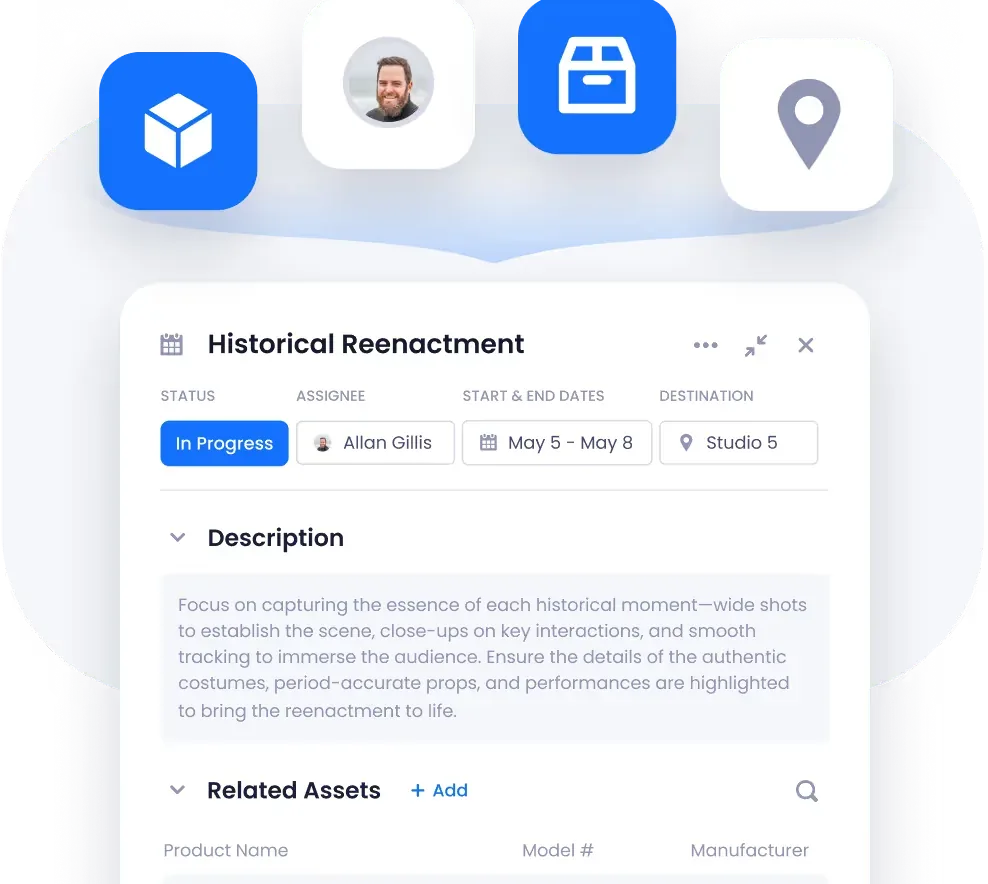
- Event-Specific Reservations: Assign assets to scheduled events with clear usage timelines.
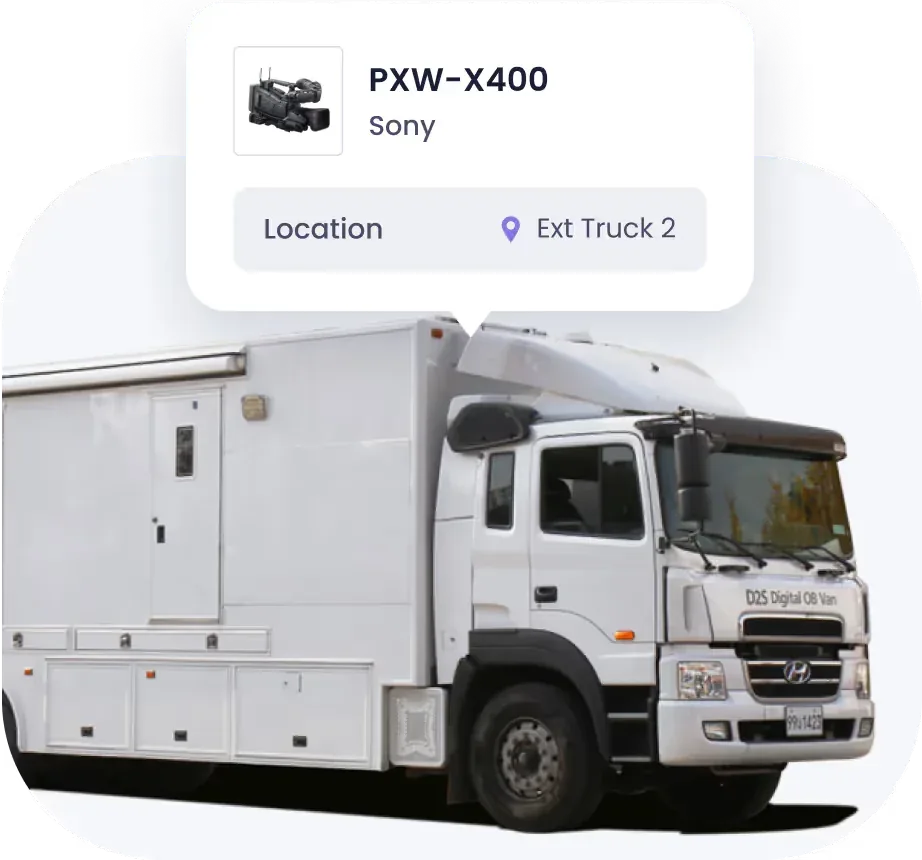
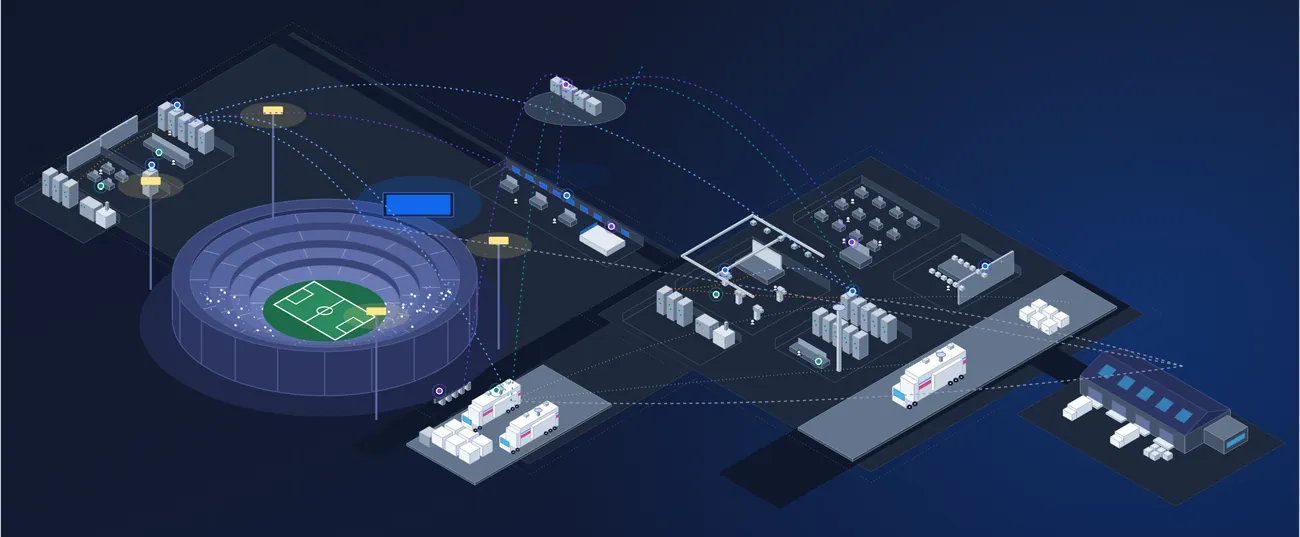
- Location Tracking: Monitor where event assets are stored, in use, or transported.
- Check-In/Check-Out System: Ensure all assets are returned and accounted for after each event.
- Automated Reminders & Alerts: Notify teams of upcoming asset checkouts or overdue returns.
- Utilization Reports: Track which assets are in highest demand for future event planning.
Why it matters
- Prevent Asset Loss: Ensure event-specific assets are tracked and returned.
- Avoid Scheduling Conflicts: Prevent double-booking of shared event equipment.
- Streamline Logistics: Simplify asset coordination across multiple teams and locations.
- Improve Asset Utilization: Maximize the use of existing resources before renting or purchasing additional gear.
- Enhance Event Readiness: Ensure all required equipment is available, functional, and properly assigned.