















Moving Equipment Records off Spreadsheets
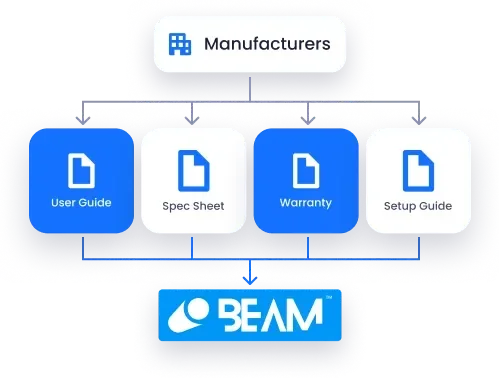
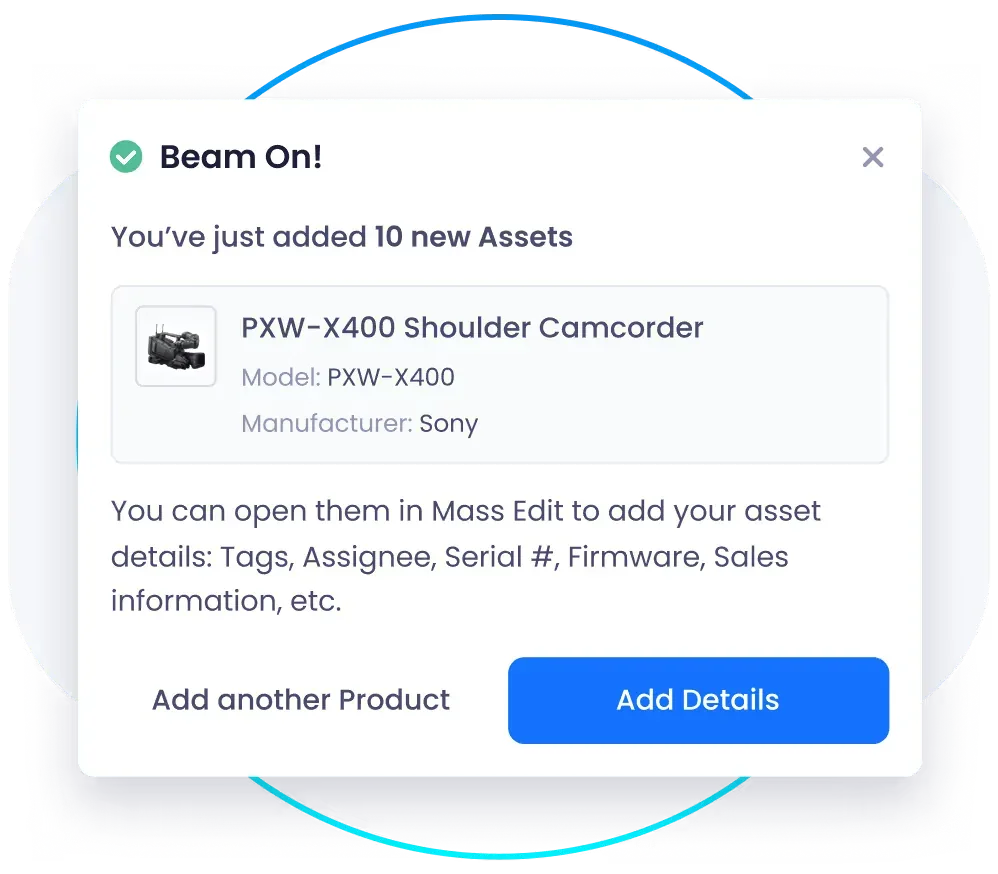
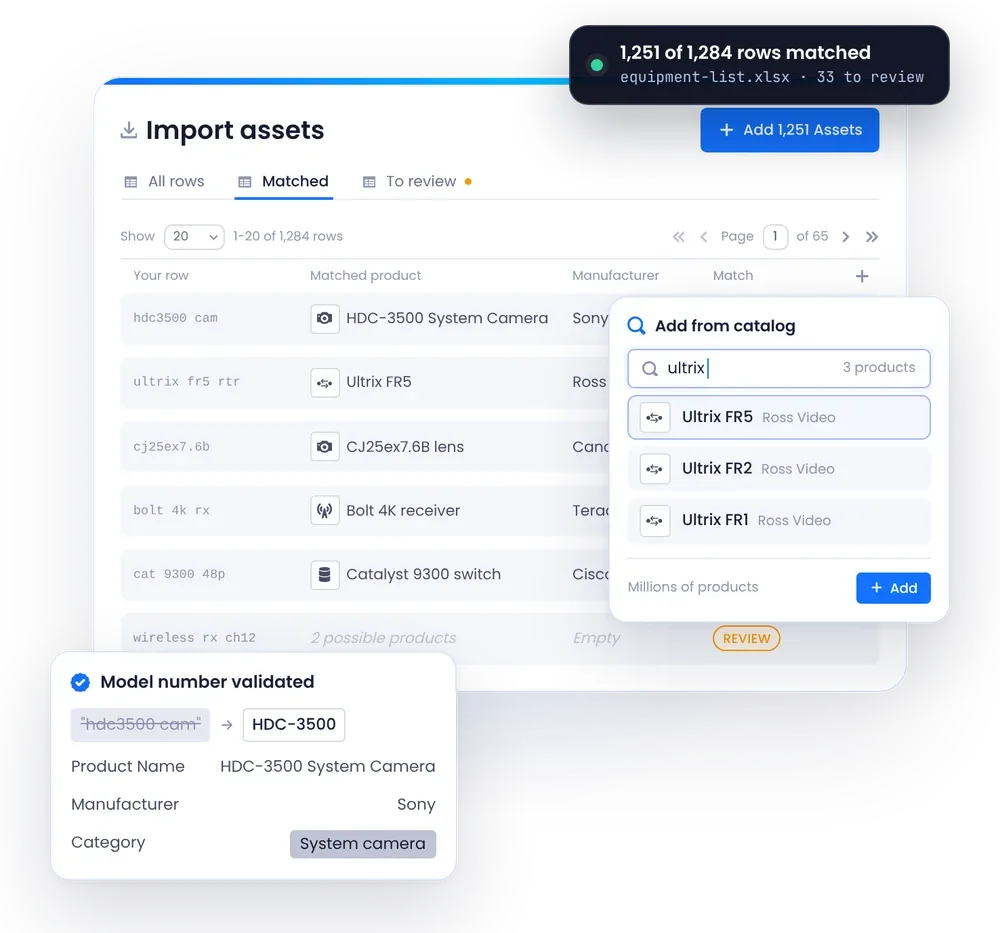
Most teams start with spreadsheets: different columns, model numbers typed by hand and locations that drifted out of date. Beam imports those lists, matches each line to a verified manufacturer product, corrects model numbers and fills in names, categories, specifications, warranty terms and lifecycle dates. A Beam specialist leads onboarding, and the first site typically goes live within weeks.
Use case in practice
- Import Any List: Bring in spreadsheets and exports with your own columns.
- Matched to Manufacturer Data: Each line becomes a verified product with a validated model number.
- Details Filled In: Specifications, manuals, photos, warranty terms and lifecycle dates are added for you.
- Your Own Fields: Keep the columns you need as custom fields, with 17 field types.
- Locations and Owners: Bring in sites, rooms, racks and assignees with the equipment.
Why it matters
- Clean Data from Day One: Typos and inconsistent model names are fixed on import.
- Less Manual Entry: Product details are filled in for you.
- A Fast Start: The first site goes live in weeks, not months.
- One Version of the Truth: Teams stop keeping their own copies.
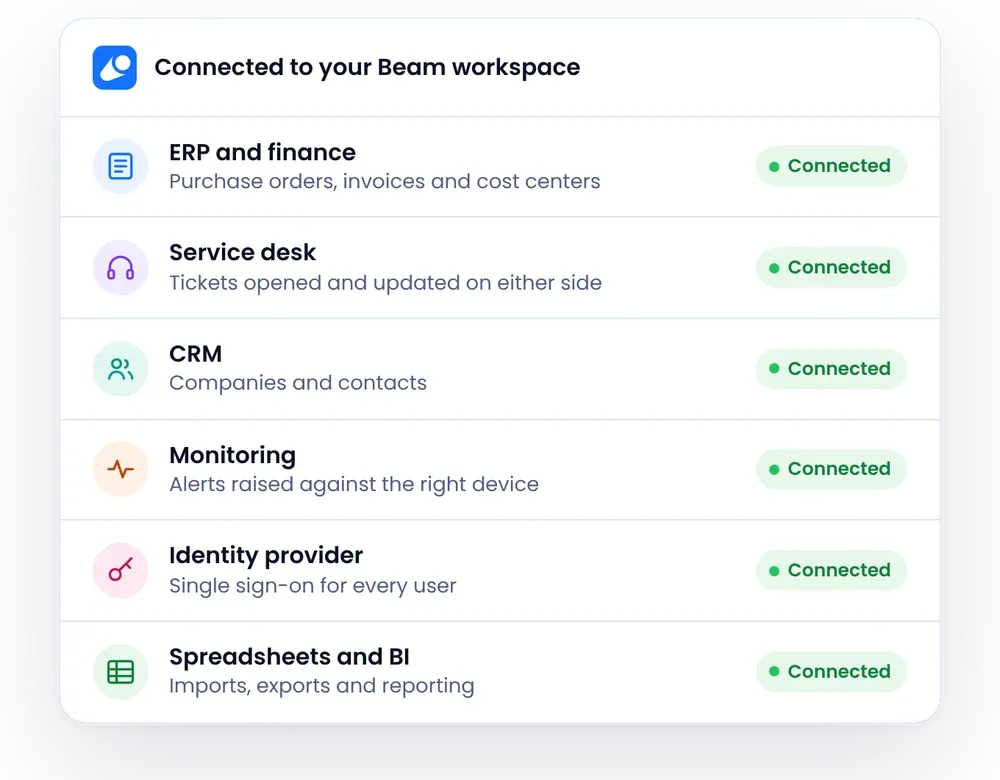
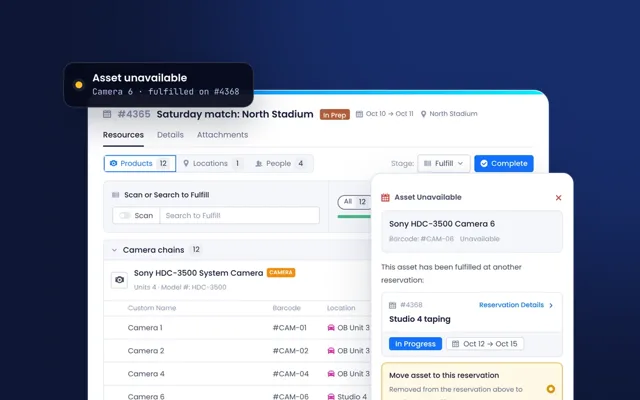
- Ready for Everything Else: Scheduling, tickets and contracts build on the same record.