














Integrator Project Handover to Clients
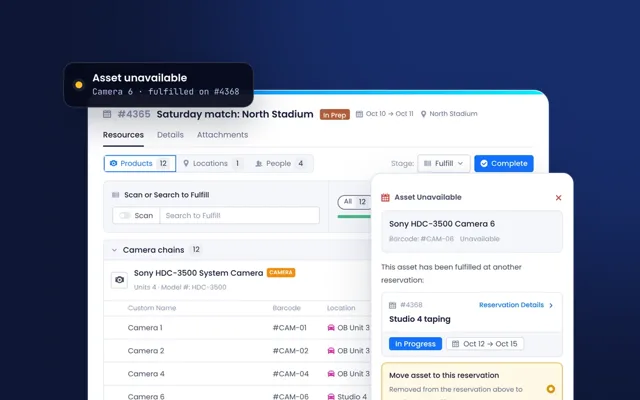
At the end of an integration project, the client needs to know what was installed, where, under which warranties and with which manuals. Beam gives integrators a workspace for each client inside one master account. Equipment is matched to manufacturer data as it is added, and at handover the workspace can be opened to the client, with their own users and single sign-on, so they start operations on a complete record.
Use case in practice
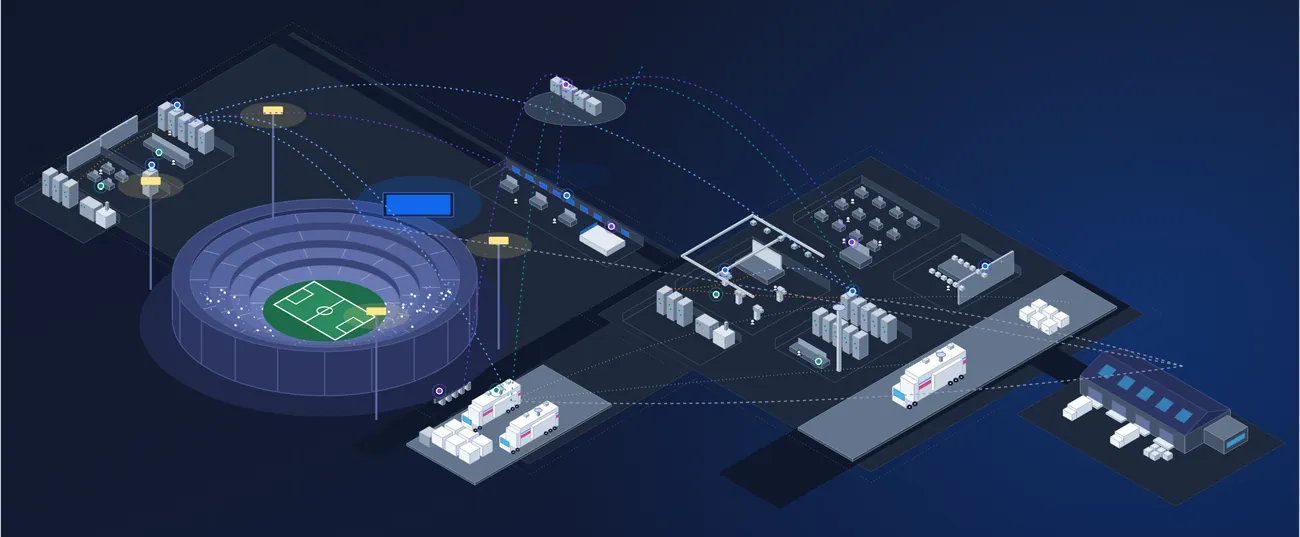
- A Workspace per Client: Keep each client's equipment, licenses and documents separate.
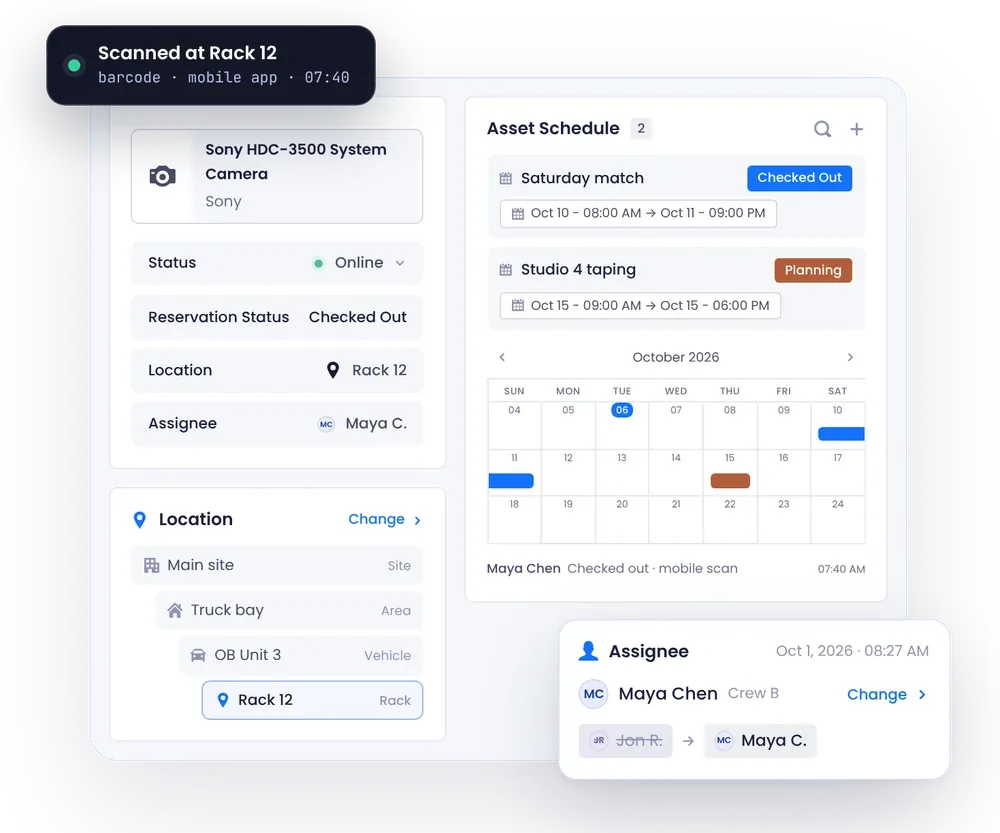
- Matched as Installed: Each item gets specifications, manuals and warranty terms from manufacturer data.
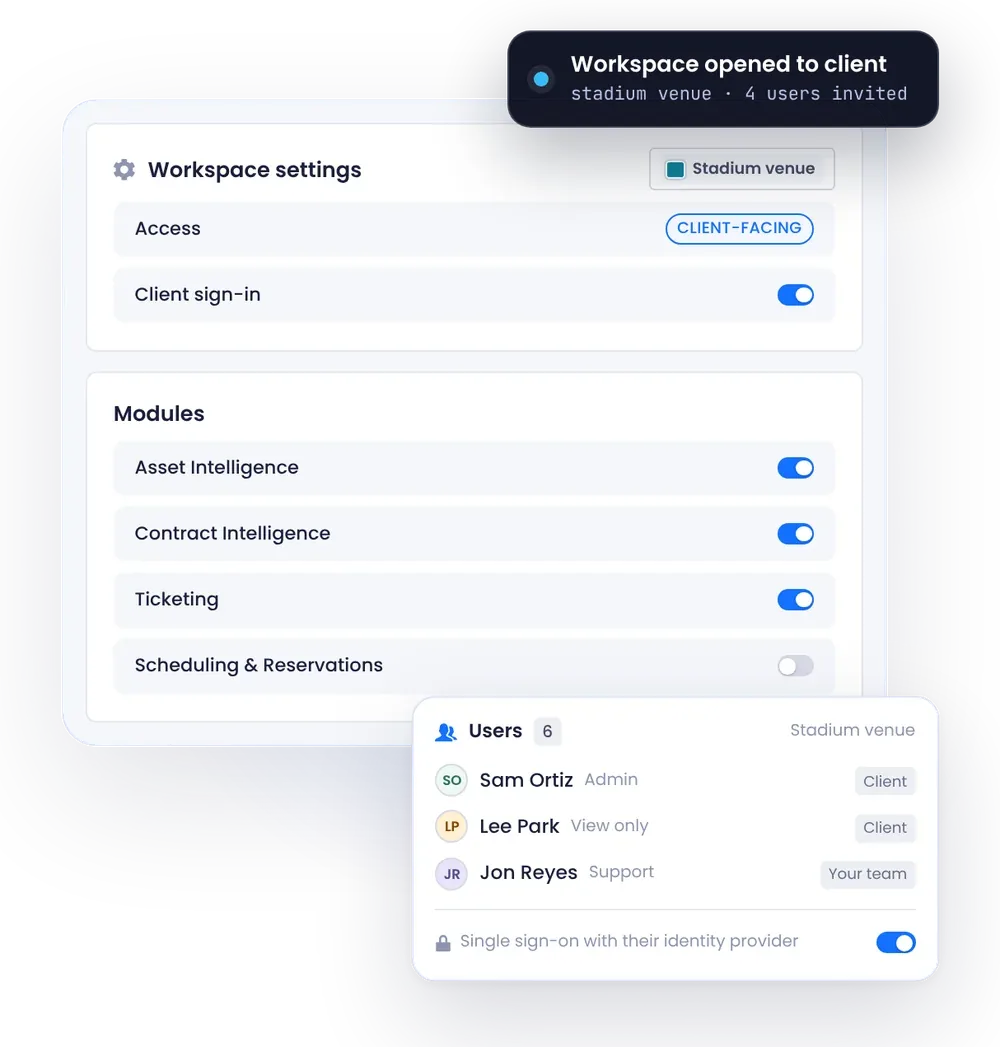
- Open at Handover: Keep the workspace internal during the project, then open it to the client.
- Client Users and SSO: The client's team signs in with their own users and single sign-on.
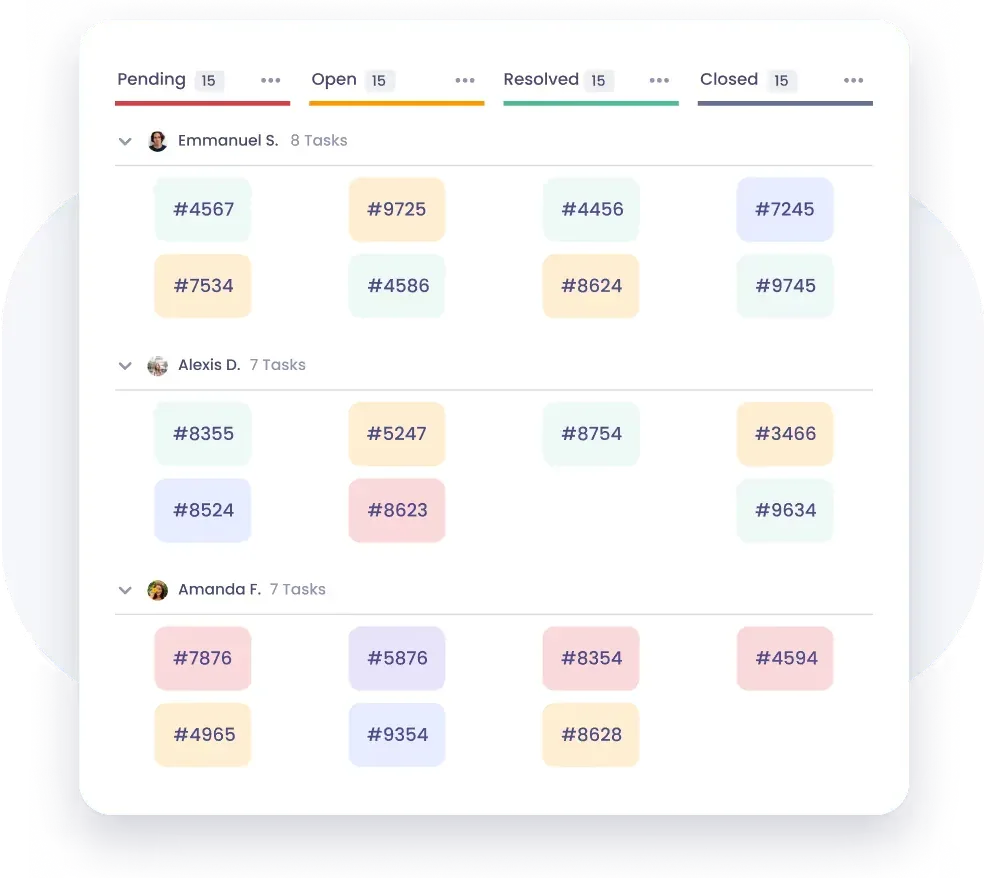
- Client Portal: Clients submit support tickets and find documentation in one place.
Why it matters
- A Better Handover: Clients receive a live record instead of a binder.
- Less Admin for Engineers: Documentation builds up as equipment is added.
- Easier Support: Your team and the client work from the same data after go-live.
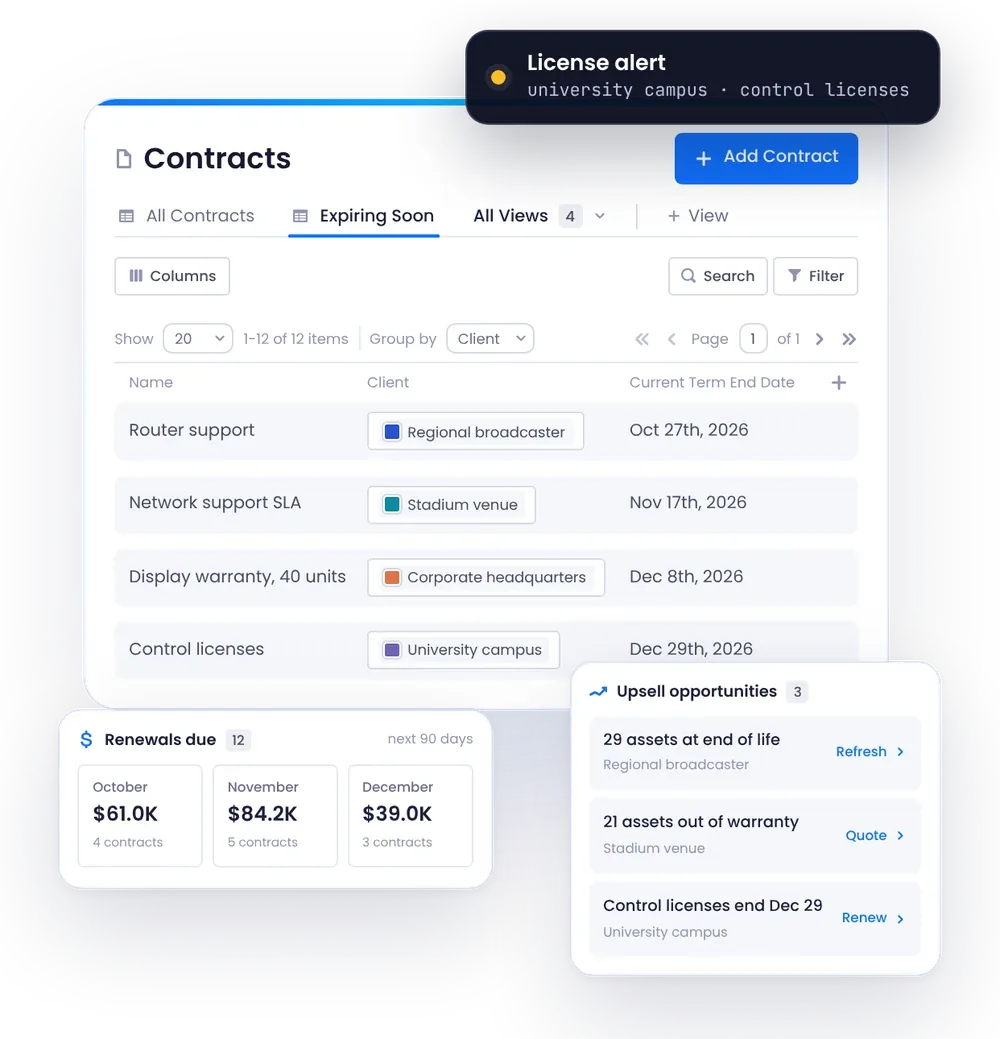
- More Service Revenue: Warranty and license renewals stay in view for follow-up work.
- A Stronger Relationship: The client keeps working with you inside the workspace.