











Equipment Kits & Bundles
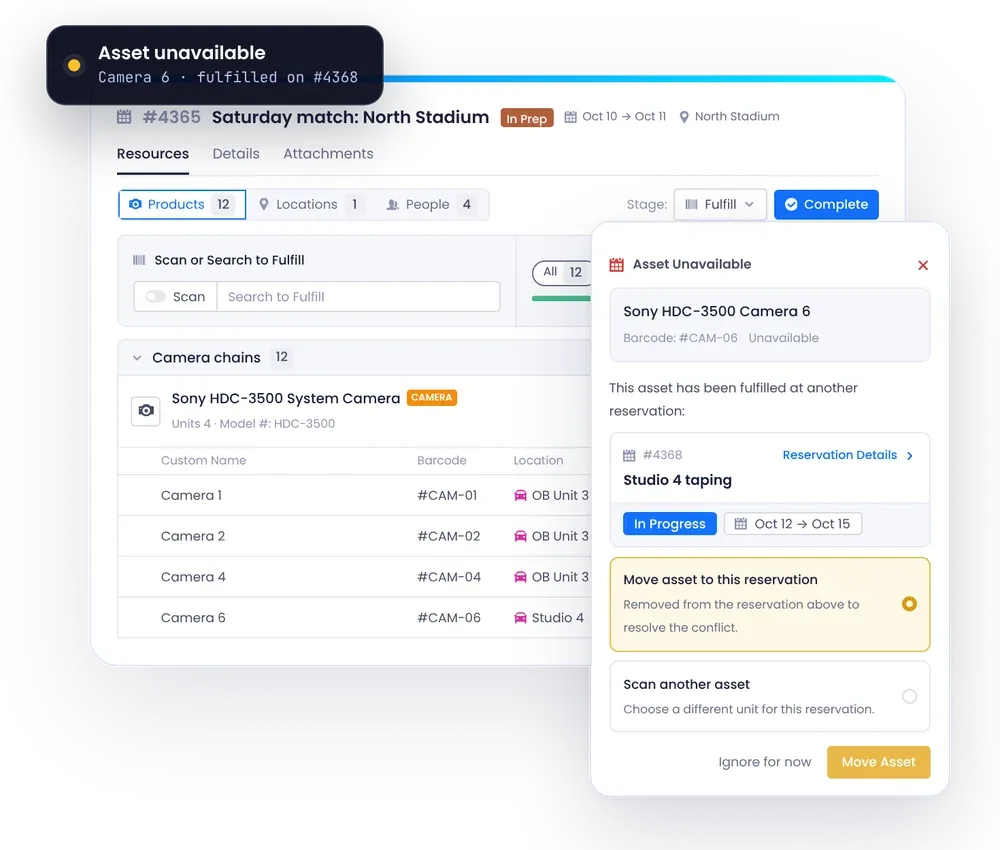
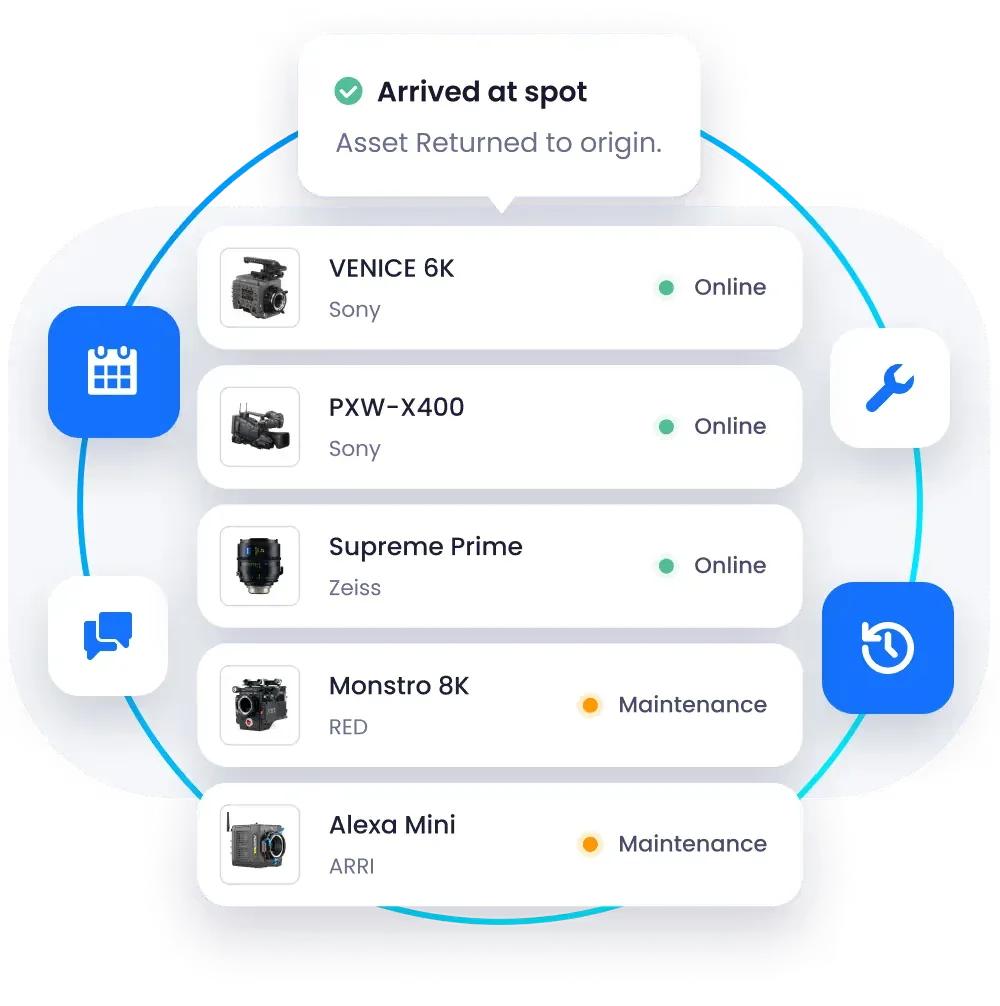
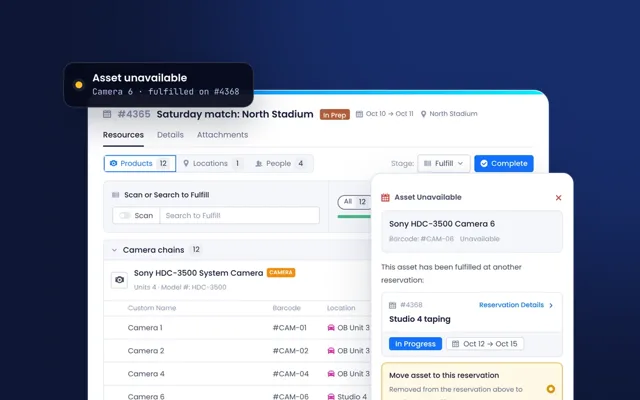
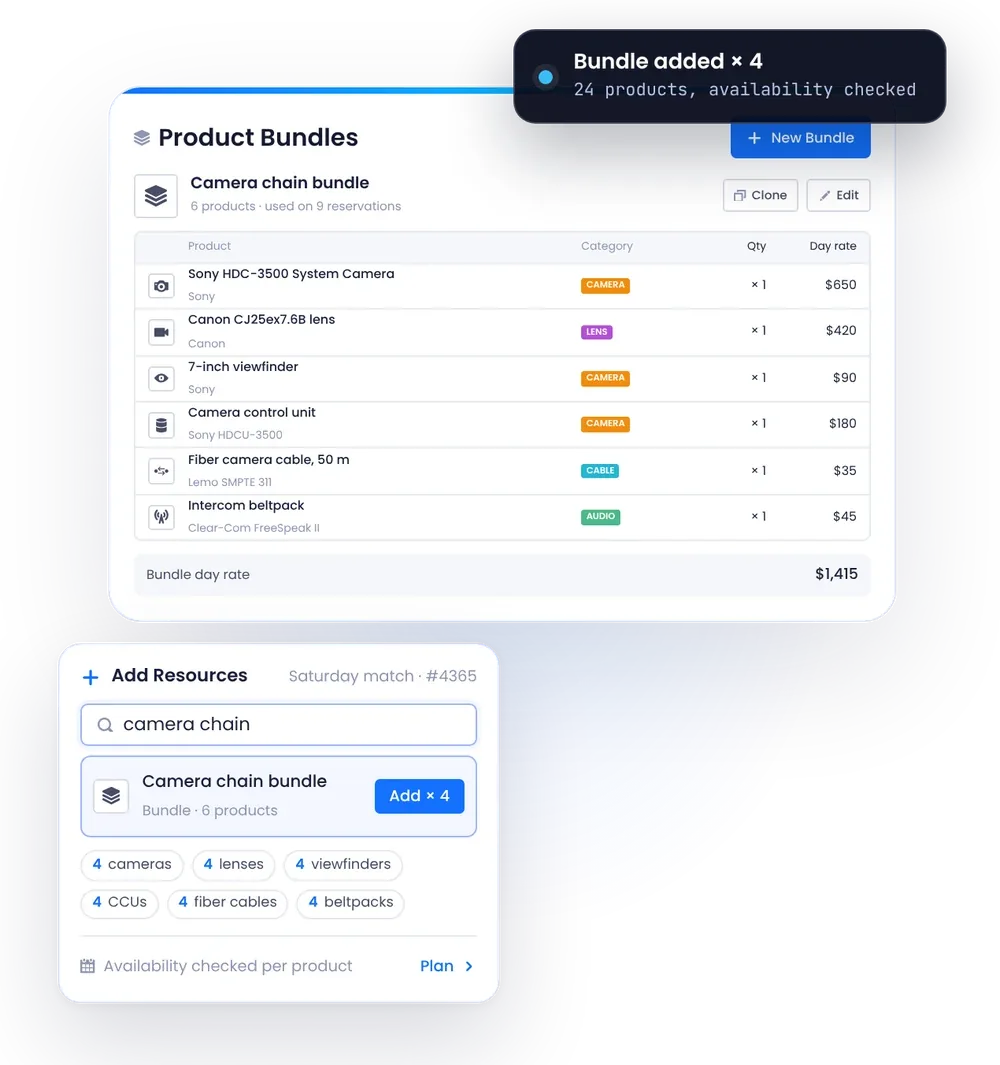
A camera chain, an intercom kit or a rack you build again and again is many items that travel together. Beam lets you define these as bundles with their products and quantities, add a whole bundle to a reservation in one step with availability checked for each product, and clone and adjust a bundle for each job. Each product in your catalog carries its required and optional accessories and its approved substitutes, so nothing is forgotten.
Use case in practice
- Bundles with Quantities: Define each kit once, with its products, quantities and day rates.
- One-Step Booking: Add a whole bundle to a reservation and see availability for each product.
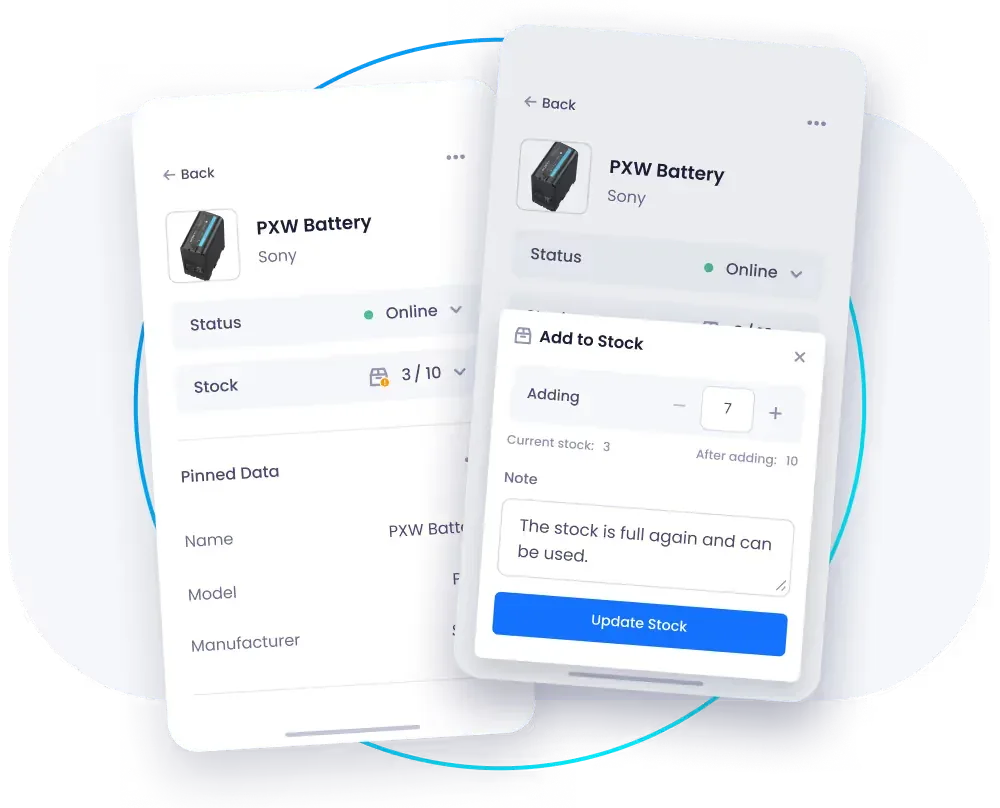
- Accessories on the Product: Required and optional accessories are set once and used on every asset.
- Approved Substitutes: When a unit is not free, see which products can stand in, with their availability.
- Clone and Adjust: Copy a bundle for the next job and change only what differs.
Why it matters
- Nothing Left Behind: Kits leave complete, with their accessories.
- Faster Job Planning: Planners add one kit instead of twenty separate lines.
- Consistent Builds: Every room, truck or show uses the same standard kit.
- Fewer Surprises: Availability is checked for every product in the kit before you commit.
- Shared Know-How: The kit list lives in Beam, not in one engineer's head.